
Go to the “Workflows” area inside “Automation” section of your CRM.

Click “+ Create Workflow”
When creating a new workflow, you have the option to create a new workflow from scratch, use existing templates or recipes.
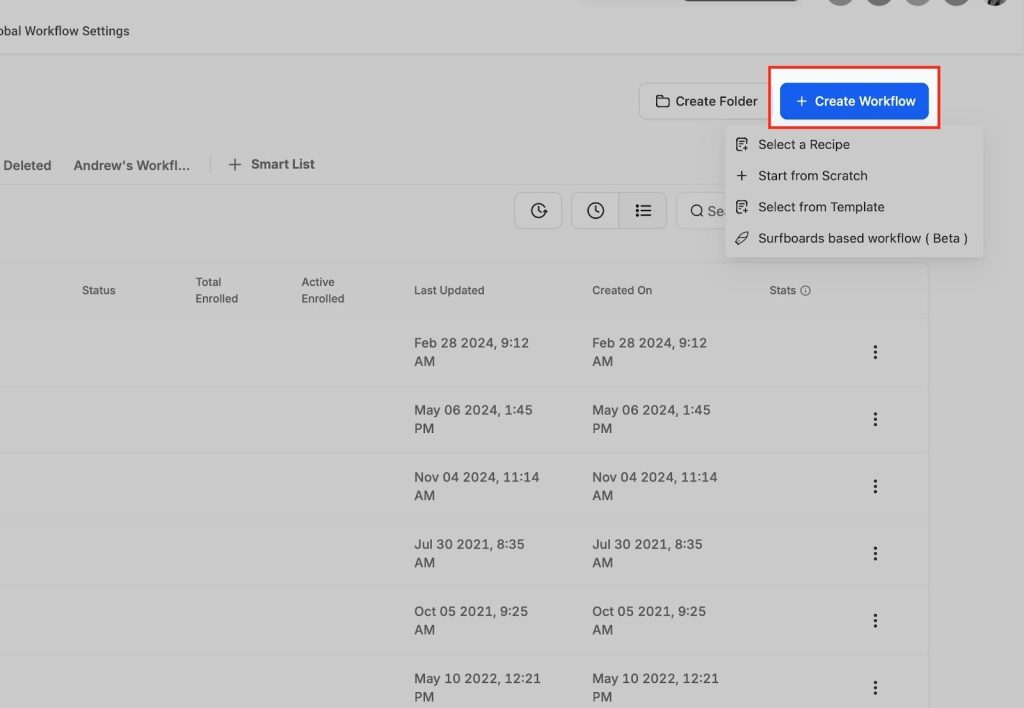
Select a Recipe
Workflow recipes make it easier to design and implement automation by offering a ready-to-use structure that can be customized to fit your specific needs. In the next screenshot, you can see the different recipes that are ready for use.

Choose a Recipe
Choose a workflow recipe from a wide variety of recipes that suit your needs.

Select from Template:
Use our premade templates to create your workflow. Click “Select from Template” option to view the template library.

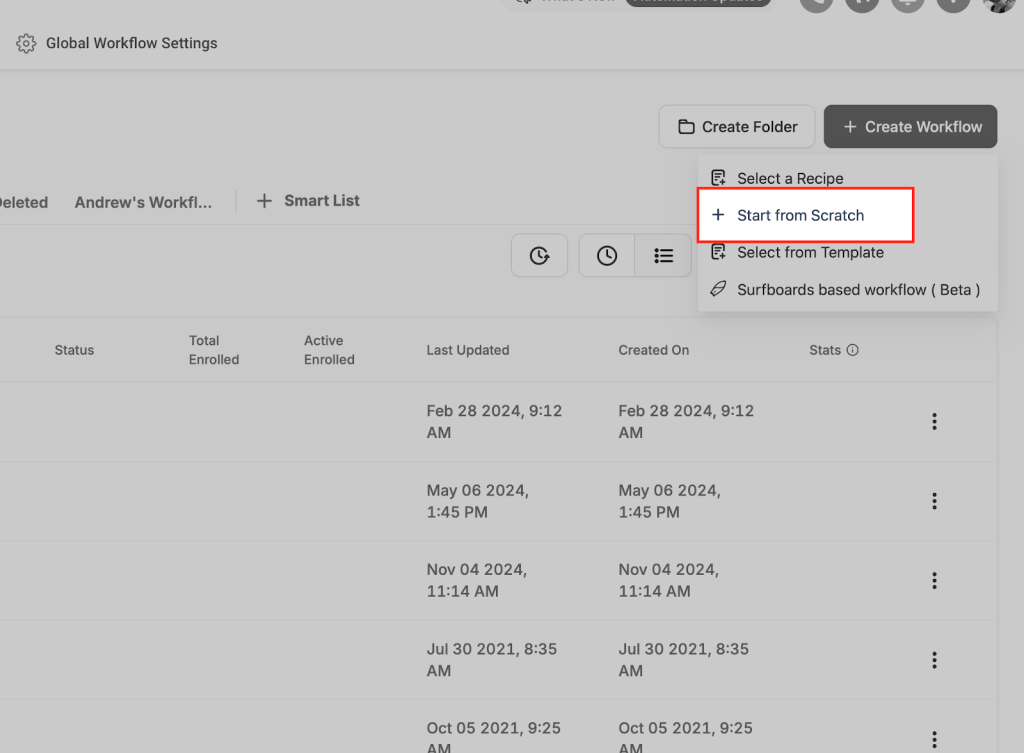
Start from scratch
Create your own workflow automation from scratch. Add multiple triggers and actions to automate your entire business operations.
Choose a Trigger
Identify the event that initiates the workflow (e.g., a customer booking an appointment).
Add Actions
Specify the tasks to execute after the trigger (e.g., send a notification, update records).
Save and Test
After you have added the triggers and actions, be sure to click “Save” button. Before you publish the workflow, you can test it with the help of “Test Workflow” button.